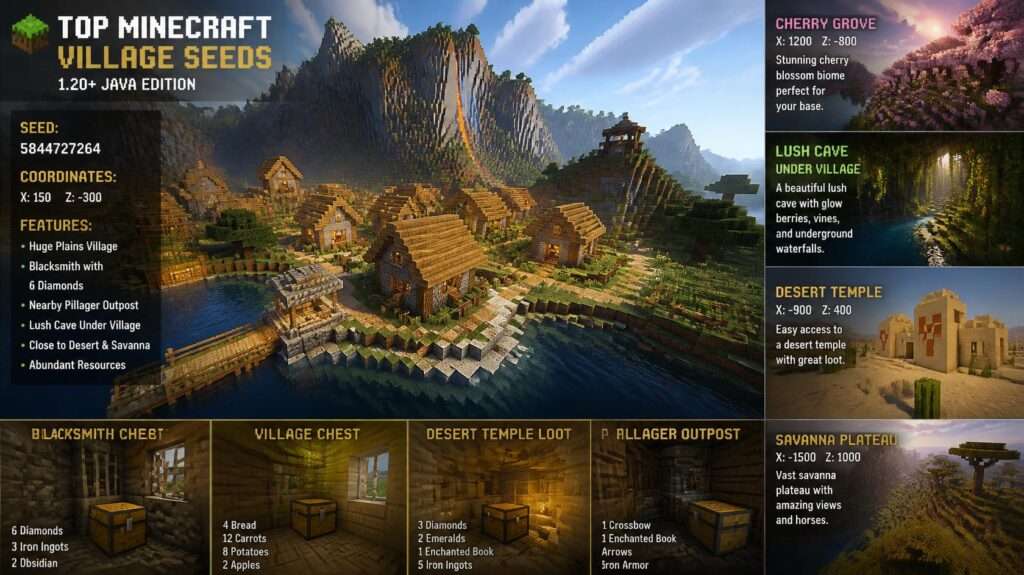
Spawning in the middle of nowhere can make your first Minecraft night feel like a fight for survival. You need wood, food, a bed, and shelter before darkness arrives—but the right village seed solves that problem instantly by placing villagers, crops, beds, trades, and sometimes an iron golem close to spawn.
This guide covers the best 10 Minecraft village seeds for survival, trading, building, exploration, and multiplayer worlds. Each seed includes its code, edition, strengths, drawbacks, and the type of player it suits best. Minecraft seeds can generate differently between Java and Bedrock editions and across game versions, so always use the edition and version listed with each seed.
How We Chose These Village Seeds
A great village seed is not just about finding a village. The best seeds give you a strong start while leaving room for long-term progression.
We prioritized seeds based on:
-
Village proximity: The best options place a village at or very near spawn.
-
Survival value: Access to food, beds, crops, wood, water, and shelter.
-
Trading potential: Multiple villager professions make early emerald farming easier.
-
Nearby structures: Ruined portals, trial chambers, ancient cities, pyramids, and shipwrecks add exploration goals.
-
Terrain quality: Flat land, scenic mountains, coasts, and biome variety improve base-building.
-
Edition compatibility: Java and Bedrock seeds are labeled clearly because structure placement can differ.
-
Playstyle fit: Some seeds are best for beginners, while others suit speedrunners, builders, or multiplayer servers.
Community seed databases emphasize the same essentials: a village near spawn provides beds, food, trades, and an iron-golem neighbor from the opening minutes of a world. Seed guides also recommend testing the exact edition and version, since village layouts, structures, and spawn points can shift between Java and Bedrock.minecraftsearch+1
Best 10 Minecraft Village Seeds at a Glance
| Seed | Best For | Edition |
|---|---|---|
| Perfect Village Start | Best overall survival start | Java & Bedrock |
| Four Villages at Spawn | Multiplayer and trading | Java & Bedrock |
| Quad Village Over Triple Ancient City | Advanced exploration | Java |
| Six Villages Around a Savanna Hub | Trading halls | Java |
| Nine Villages in Snowy Plains | Massive village network | Java |
| Forest Village Cluster and Cherry Grove | Scenic building | Java |
| Savanna Hub of Seven Villages | Bedrock multiplayer | Bedrock |
| Pyramid, Portal, and Nine Desert Villages | Desert exploration | Bedrock |
| Five Villages Around a Cherry Meadow | Beautiful survival base | Bedrock |
| Beginner Village Meadow | New players | Java & Bedrock |
How to Use a Minecraft Village Seed
-
Open Minecraft and select Create New World.
-
Open More World Options on Java or Advanced settings on Bedrock.
-
Find the Seed for the World Generator field.
-
Copy and paste the seed code exactly as shown.
-
Select the correct edition and game version.
-
Create the world.
-
Use the coordinates provided by the seed guide, or explore outward from spawn to locate the village.
-
Save the seed code if you want to recreate or share the world later.
What Makes a Great Minecraft Village Seed?
A great village seed should provide more than a nearby settlement. Look for these qualities:
-
A village close enough to reach on the first day
-
Beds, crops, food, and shelter
-
Useful villager professions for trading
-
Safe terrain for a starter base
-
Wood, water, and open building space
-
Interesting nearby structures
-
Biome variety for long-term exploration
-
Compatibility with your edition and game version
The strongest seeds balance convenience with possibility. They help you survive the first night, but they also give you reasons to keep playing after your first base is complete.
Common Mistakes When Choosing a Village Seed
-
Using a Java seed in Bedrock and expecting identical villages
-
Ignoring the Minecraft version used to test the seed
-
Choosing scenery without checking food, wood, or shelter
-
Assuming every village has useful trades
-
Building too close to pillager outposts or dangerous caves
-
Failing to light up village paths and homes
-
Starting a long-term world without confirming that the seed works in your edition
Affiliate Products to Improve Your Minecraft Experience
Minecraft seeds are free, but the right gear can make seed testing, building, and multiplayer sessions more enjoyable. Below are relevant products worth considering.
1. Minecraft: Java & Bedrock Edition for PC
Approximate price: Around $29.99 USD, though regional pricing and sales vary.
Product description:
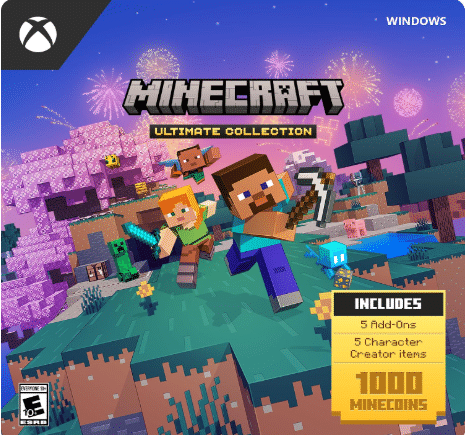
This is the best foundational purchase for players who want to test seeds across both major Minecraft editions. The Java and Bedrock bundle lets you explore Java-only village layouts while also playing Bedrock with friends on console, mobile, and Windows. For seed hunters, this flexibility is valuable because many viral seeds work differently depending on the edition.
Key features and benefits:
-
Includes both Java and Bedrock editions
-
Lets you test Java-specific and Bedrock-specific seeds
-
Supports cross-platform play through Bedrock
-
Ideal for players who switch between PC and console
-
Provides access to community mods on Java
Pros:
-
Best option for serious seed testing
-
Access to both major Minecraft communities
-
Good long-term value
-
Flexible across devices
Cons:
-
Higher upfront cost than buying only one edition
-
Java modding requires more technical setup
-
Not necessary if you only play on one platform
Amazon customer ratings and reviews:
Minecraft PC editions generally receive very positive customer feedback, with players praising the value of having both editions in one purchase. Common review themes include easy installation, reliable gameplay, and the ability to play with friends across devices.
Why it’s a good choice:
It removes the biggest limitation of seed hunting: edition incompatibility.
Ideal use case:
Best for PC players who want to test Java and Bedrock seeds or play with friends on different devices.
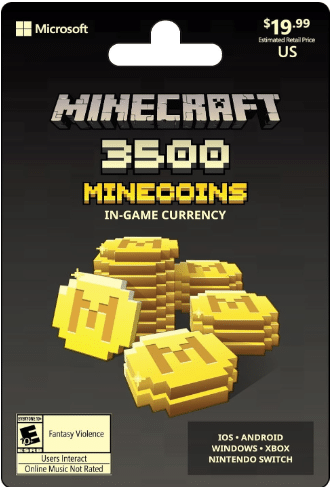
2. Minecraft Gift Card
Approximate price: Commonly available from $10 to $50 USD, depending on the card value.
Product description:
A Minecraft gift card is a flexible choice for players who already own the game but want skins, texture packs, marketplace worlds, or Minecoins. It is especially useful for Bedrock players who want to customize their village world with visual packs or download community-made maps.
Key features and benefits:
-
Can be used for Minecoins
-
Unlocks skins, texture packs, and marketplace content
-
Great gift for Minecraft players
-
No need to share payment details
-
Works well for Bedrock marketplace purchases
Pros:
-
Flexible digital gift option
-
Good for younger players
-
Lets users choose their own content
-
Useful for customizing village worlds
Cons:
-
Does not buy the base game in all regions
-
Marketplace content is mostly cosmetic or community-made
-
Less useful for Java players who prefer free mods
Amazon customer ratings and reviews:
Gift cards typically receive strong ratings for convenience and fast delivery. Buyers often mention that they are easy to redeem and make reliable gifts for Minecraft fans.
Why it’s a good choice:
It lets players personalize their village world without requiring a large purchase.
Ideal use case:
Best for Bedrock players, gift-givers, and players who enjoy skins, texture packs, and marketplace maps.
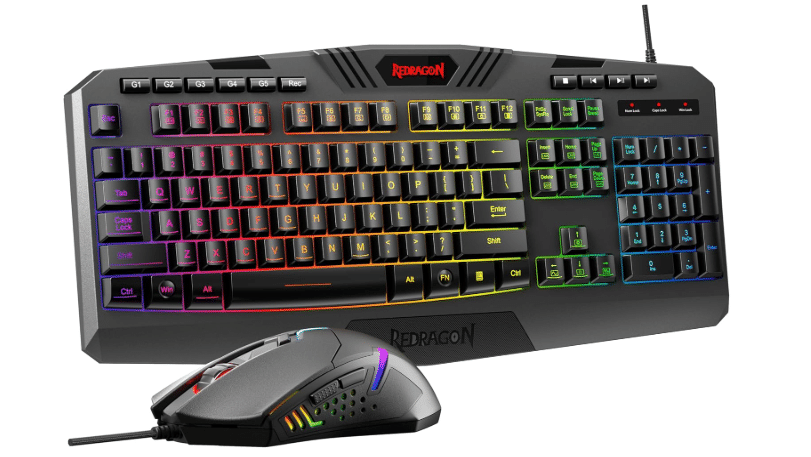
3. Gaming Keyboard and Mouse Combo
Approximate price: Usually $25 to $70 USD for a quality budget-to-midrange combo.
Product description:
A responsive keyboard and mouse combo makes Minecraft building, mining, and PvP more comfortable. For players testing village seeds, a reliable mouse helps with precise block placement, while programmable keys can make inventory management and hotbar switching faster.
Key features and benefits:
-
Responsive keys for building and combat
-
Adjustable DPI for mouse sensitivity
-
Comfortable design for long sessions
-
Often includes RGB lighting
-
Suitable for Minecraft, other games, and everyday PC use
Pros:
-
Improves comfort during long building sessions
-
Better precision than many basic office peripherals
-
Affordable upgrade for PC players
-
Useful beyond Minecraft
Cons:
-
Not necessary for console or mobile players
-
Budget models may have basic build quality
-
RGB lighting is not useful for everyone
Amazon customer ratings and reviews:
Popular gaming keyboard and mouse combos commonly receive ratings in the 4.0 to 4.5-star range. Positive reviews often mention value, responsiveness, and easy setup, while critical reviews may mention software limitations or durability concerns in the cheapest models.
Why it’s a good choice:
It is one of the most practical upgrades for Java or Bedrock PC players who spend hours building villages and testing seeds.
Ideal use case:
Best for PC players, content creators, and anyone building large village projects.
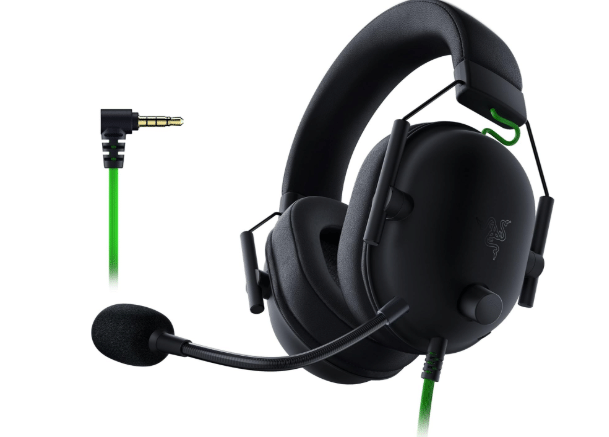
4. Gaming Headset with Microphone
Approximate price: Typically $20 to $80 USD depending on brand and features.
Product description:
A gaming headset is essential for multiplayer village worlds. It lets you communicate clearly while building a shared trading hub, defending villagers, or exploring dangerous structures such as ancient cities. A good headset also improves immersion by making environmental sounds, mob noises, and cave audio easier to hear.
Key features and benefits:
-
Built-in microphone for multiplayer communication
-
Clear game audio for exploration and combat
-
Comfortable ear cups for long sessions
-
Compatible with PC, consoles, and mobile devices depending on the model
-
Useful for streaming and voice chat
Pros:
-
Improves teamwork in multiplayer worlds
-
Helps players hear nearby mobs and hazards
-
Good for Discord, Xbox parties, and PlayStation chat
-
Useful for school, work, and other games
Cons:
-
Wireless models can be more expensive
-
Cheap headsets may have weak microphones
-
Console compatibility varies by model
Amazon customer ratings and reviews:
Well-reviewed gaming headsets often earn ratings between 4.0 and 4.5 stars. Buyers commonly highlight comfort, microphone clarity, and sound quality, while lower-rated reviews frequently mention durability or fit issues.
Why it’s a good choice:
It makes cooperative village-building and multiplayer exploration much easier.
Ideal use case:
Best for friends playing together, server members, streamers, and players who enjoy voice chat.
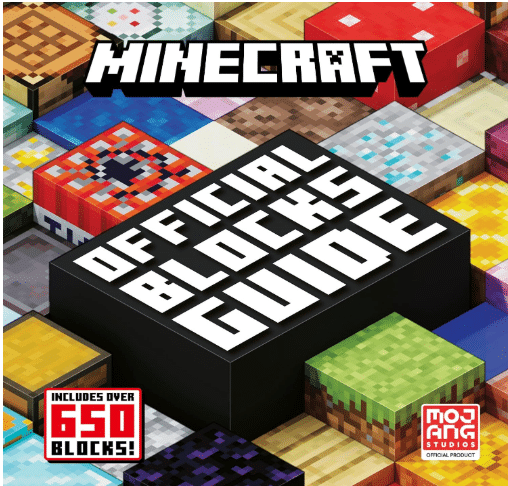
5. Minecraft Guidebook or Encyclopedia
Approximate price: Usually $10 to $30 USD, depending on the edition and format.
Product description:
A Minecraft guidebook or encyclopedia is a useful companion for players who want to understand villager mechanics, farming, redstone, enchanting, and base-building without constantly searching online. For players using village seeds, it can explain how to protect villagers, create trading halls, breed villagers, and build iron farms safely.
Key features and benefits:
-
Covers survival basics, crafting, and building
-
Explains villager professions and trading
-
Helpful for beginners learning game systems
-
Offline reference for younger players
-
Makes a good gift for Minecraft fans
Pros:
-
Easy-to-understand reference material
-
Great for children and new players
-
Reduces time spent searching for tutorials
-
Useful for planning farms and village projects
Cons:
-
Game updates can make some details outdated
-
Not necessary for experienced players
-
Digital guides and wikis are often more current
Amazon customer ratings and reviews:
Minecraft guidebooks commonly receive positive ratings from parents and newer players. Reviewers often mention clear illustrations, kid-friendly explanations, and helpful building ideas. Some reviews note that older editions may not include the newest game features.
Why it’s a good choice:
It helps beginners turn a village seed into a successful long-term survival world.
Ideal use case:
Best for new players, parents buying for children, and players who prefer a physical reference book.
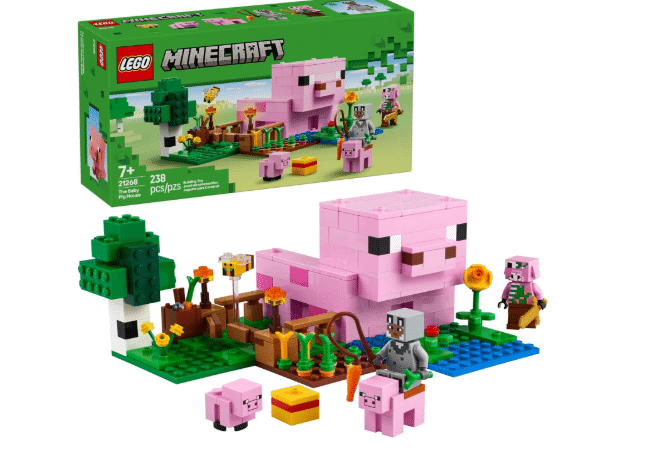
6. Minecraft-Themed Building Blocks or LEGO Set
Approximate price: Typically $15 to $100+ USD depending on set size.
Product description:
A Minecraft-themed building set brings the game’s creative experience offline. For fans of village seeds, a village-inspired building set can be a fun way to recreate a favorite in-game village, design custom houses, or build a physical display for a gaming room.
Key features and benefits:
-
Encourages offline creativity
-
Fun for Minecraft fans of different ages
-
Can be combined with other sets
-
Makes a strong gift option
-
Provides a screen-free building activity
Pros:
-
Great for children and families
-
Encourages problem-solving and creativity
-
Durable display or play option
-
Connects gaming with hands-on building
Cons:
-
Small pieces may not suit very young children
-
Larger sets can be expensive
-
Not directly related to in-game seed testing
Amazon customer ratings and reviews:
Minecraft building sets often receive ratings around 4.5 stars or higher. Positive reviews commonly mention sturdy pieces, enjoyable builds, and strong gift appeal. Some critical reviews mention piece count, price, or difficulty for younger builders.
Why it’s a good choice:
It extends the village-building experience beyond the screen.
Ideal use case:
Best for younger Minecraft fans, families, collectors, and players who enjoy creative building offline.
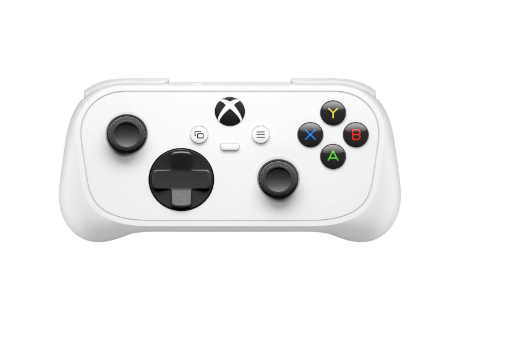
7. Controller for Console or Mobile Minecraft
Approximate price: Usually $25 to $70 USD for third-party controllers; official controllers may cost more.
Product description:
A controller is a practical upgrade for Bedrock players using mobile devices, tablets, or compatible consoles. While touch controls work, a controller gives you more precise movement, easier inventory navigation, and better comfort during long village-building sessions.
Key features and benefits:
-
More precise movement than touchscreen controls
-
Comfortable grip for extended play
-
Compatible with many Android devices, PCs, and consoles depending on model
-
Useful for Minecraft and other mobile games
-
Often includes wireless connectivity
Pros:
-
Major comfort upgrade for mobile Bedrock players
-
Better control for building and exploring
-
Portable and easy to store
-
Useful across multiple games
Cons:
-
Must check device compatibility before buying
-
Battery-powered models require charging
-
Not needed for players who already own a console controller
Amazon customer ratings and reviews:
Popular mobile and console controllers often receive ratings between 4.0 and 4.5 stars. Positive reviews usually mention comfortable grips, low input delay, and broad compatibility. Negative reviews often involve connection issues or limited device support.
Why it’s a good choice:
It makes Bedrock village seeds more enjoyable for mobile and tablet players.
Ideal use case:
Best for Android and iOS players, families using tablets, and Bedrock gamers who prefer controller support.
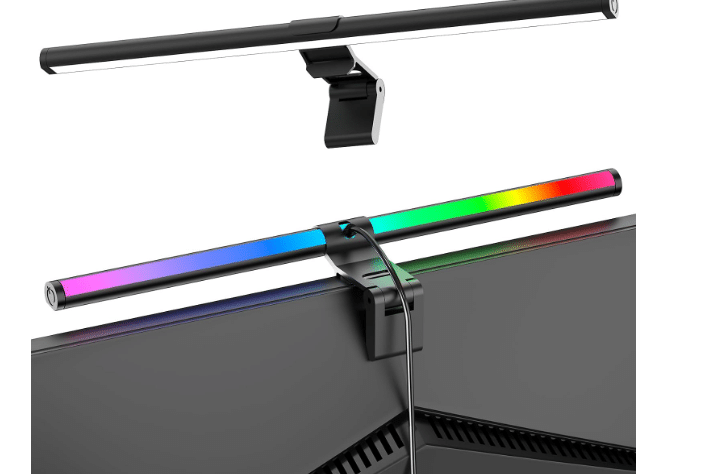
8. RGB Gaming Monitor or Monitor Light Bar
Approximate price: Monitor light bars usually cost $20 to $60 USD; gaming monitors vary widely by size and specifications.
Product description:
A monitor light bar or quality gaming monitor improves comfort during long Minecraft sessions. A monitor light bar reduces glare and adds ambient lighting without taking up desk space, while a larger or higher-quality monitor makes it easier to see distant terrain, village layouts, and detailed builds.
Key features and benefits:
-
Reduces eye strain during long sessions
-
Saves desk space compared with traditional lamps
-
Improves visibility for detailed building
-
Adds ambient lighting to a gaming setup
-
Useful for work, study, and gaming
Pros:
-
Affordable comfort upgrade
-
Helps with late-night building sessions
-
Improves desk setup appearance
-
Useful beyond gaming
Cons:
-
Does not improve gameplay performance
-
Monitor light bars require suitable monitor placement
-
A new monitor can be a major expense
Amazon customer ratings and reviews:
Monitor light bars commonly receive ratings around 4.3 to 4.6 stars. Reviewers often praise reduced glare, easy installation, and improved desk lighting. Some reviews mention fit issues with curved monitors or limited brightness adjustment.
Why it’s a good choice:
It makes long seed-testing and building sessions more comfortable.
Ideal use case:
Best for PC players, streamers, students, and anyone who plays Minecraft in the evening.
Frequently Asked Questions
What is the best Minecraft village seed in 2026?
The Perfect Village Start is the best overall choice for most players because it offers a reliable village near spawn, essential survival resources, and a comfortable building area. For more ambitious players, the Quad Village Over Triple Ancient City seed is a stronger exploration-focused option.minecraftsearch
Do Minecraft village seeds work on both Java and Bedrock?
Not always. Java and Bedrock can generate different terrain, villages, and structures from the same seed. Always use a seed that has been tested for your specific edition and game version.minecraftsearch+1
Are Minecraft seeds free?
Yes. Minecraft seeds are free. You only need to own Minecraft; entering a seed code does not cost anything extra.
Can old village seeds still work after updates?
Sometimes. A seed code will still create a world, but major world-generation updates can change village locations, biome borders, and nearby structures. For the most accurate results, use seeds tested in your current version.
What is the fastest way to find a village in Minecraft?
Use a village seed with a village near spawn. You can also increase render distance, travel across plains, savannas, deserts, and snowy plains, or use coordinates if you have them from a trusted seed guide.
Which village biome is best for survival?
Plains villages are usually the easiest for beginners because they offer open terrain, nearby grass, trees, water, and space for farms. Savanna and desert villages are also useful, but they may require more planning for wood and water.
Can I use a village seed for a multiplayer server?
Yes. Village seeds are excellent for multiplayer servers, especially seeds with multiple nearby villages. They give players separate places to build while keeping everyone close enough to share farms, trading halls, and resources.
Do seeds affect villager trades?
Seeds determine world generation, including village placement and villager spawning. However, villager trades can also be influenced by villager profession, workstation placement, and game version. Two players using the same seed may not have identical trades in every village.
How do I copy and paste a Minecraft seed?
Copy the seed code from the article, then paste it into the Seed for the World Generator field when creating a new world. Make sure there are no extra spaces before or after the code.
Are village seeds good for speedrunning?
Some are. Seeds with villages near spawn can provide early beds, food, and trading opportunities. However, competitive speedrunning usually depends on more than a village, including stronghold location, portal access, and terrain generation.